Upload the video or image, write the description, choose the time. Hookova publishes it to Pinterest as a Pin — and to your other accounts in the same step if you want.
Start scheduling freeFree plan includes 1 connected account.
The vertical videos you make for TikTok and Reels make good video Pins. Send them to Pinterest without a second upload.
Publish a photo as an image Pin, at the time you choose.
Pinterest favours accounts that pin steadily. Queue Pins into regular slots instead of posting them in a burst.
Tick Pinterest next to Instagram, TikTok and the rest, and the same file goes to each.
Pins keep being found long after they're posted, so a steady stream adds up. Make them in a batch and let Hookova space them out.
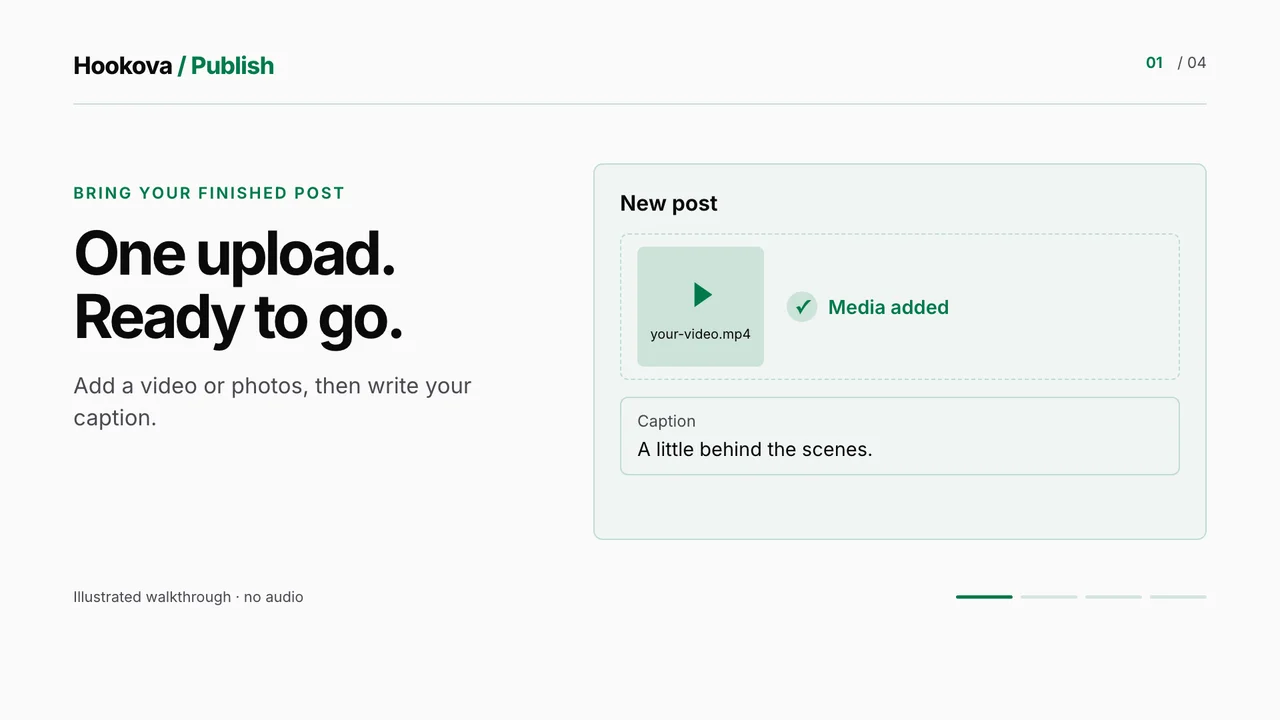
Add the video or image, write the description, then publish now, take the next free slot or choose a date and time.
Choose Pinterest along with any of your connected accounts — each gets the post in the form it takes.
Supported platforms
Every scheduled Pin shows on the calendar. Change the text or time, or cancel it, before it publishes.
A Pin's description holds up to 500 characters, with a video or an image attached.
After publishing you see the result per account, with a link to the Pin, or the reason it failed. Temporary failures are retried for you.
Connect your Pinterest account, schedule your first post and see it on the calendar in a couple of minutes.
Yes. Connect your Pinterest account, add a video or image, write the description and set the time. The Pin publishes on its own.
Yes. Upload a video in the composer and choose your Pinterest account.
Pinterest allows up to 500 characters. Keep the caption within that when Pinterest is one of your accounts.
A business account is recommended for publishing and analytics, and converting a personal account is free in Pinterest's settings.
Yes. Tick both accounts and the one upload goes to each.
Spreading Pins out keeps your account active day to day. A queue does the spacing for you.
Yes, to start. The Free plan includes 1 connected account. Basic connects up to 10 accounts and Pro up to 50, across any of the networks Hookova publishes to.
TikTok, Instagram, YouTube, Facebook, X, LinkedIn, Threads, Pinterest and Bluesky. Connect the ones you use and choose the accounts for each post.
Yes. With Hookova's MCP server connected to Claude or another MCP-capable assistant, it can list your accounts and publish or schedule a post after you confirm it.
Make it once, give it a time, and let it go out on Pinterest and everywhere else you post.
Start scheduling free Hookova