Give the video a title, choose public, unlisted or private, pick the cover frame and a time. Hookova uploads it to your channel when the time comes — and to your other accounts in the same step.
Start scheduling freeFree plan includes 1 connected account.
Set the YouTube title separately from the caption, choose public, unlisted or private, and pick which frame becomes the thumbnail.
A short vertical video uploads as a YouTube Short, so the edit you made for TikTok and Reels works here unchanged.
Choose the hour you want it live. The upload happens at that time; nothing waits on you to press a button.
Tick TikTok, Instagram or Facebook alongside your channel. One file, one caption, every account you chose.
A steady upload schedule is the thing most channels drop first. Hookova lets you batch the work and spread the uploads.
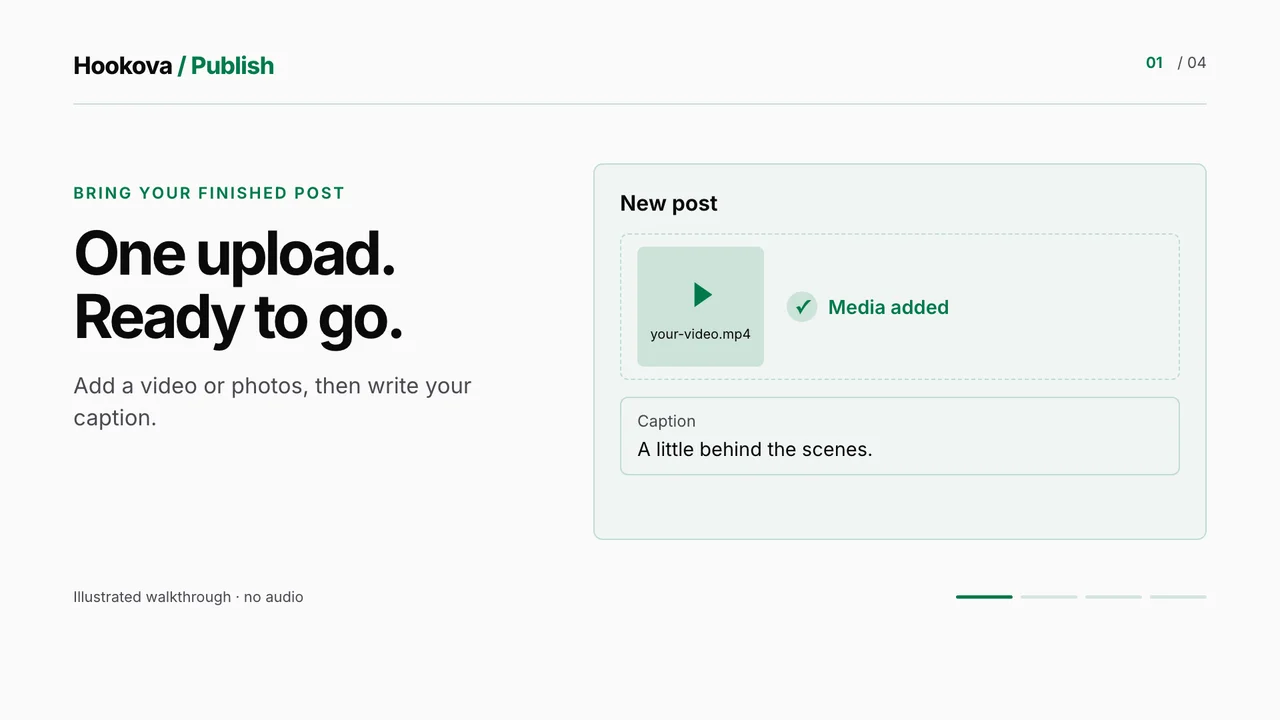
Add the video, write the description, set a title, pick the cover frame — then publish now, take the next queue slot or choose a date and time.
Choose your YouTube channel and any other connected accounts in one list. Each gets the post with the settings that network expects.
Supported platforms
Every scheduled upload appears on the calendar. Change the time, edit the text or pull a video before it goes live.
A YouTube title of up to 100 characters (Hookova uses your caption's first line if you leave it blank) and public, unlisted or private visibility.
Once it posts, the upload shows as posted with a link to the video on YouTube. If it failed, you see why — and passing failures are retried for you.
Connect your YouTube account, schedule your first post and see it on the calendar in a couple of minutes.
Yes. Upload a short vertical video and schedule it like any other post; YouTube treats it as a Short.
Yes. The composer has a YouTube title field of up to 100 characters. Leave it blank and Hookova uses the first line of your caption.
Yes. Choose public, unlisted or private for each YouTube post before you schedule it.
You can pick any frame from the video to be its cover. Uploading a separate thumbnail image isn't supported yet.
No — YouTube only takes videos here. In a photo post, your YouTube account is skipped and the photos go to your other chosen accounts.
No. The upload is handled in the cloud at the scheduled time.
Yes, to start. The Free plan includes 1 connected account. Basic connects up to 10 accounts and Pro up to 50, across any of the networks Hookova publishes to.
TikTok, Instagram, YouTube, Facebook, X, LinkedIn, Threads, Pinterest and Bluesky. Connect the ones you use and choose the accounts for each post.
Yes. With Hookova's MCP server connected to Claude or another MCP-capable assistant, it can list your accounts and publish or schedule a post after you confirm it.
Make it once, give it a time, and let it go out on YouTube and everywhere else you post.
Start scheduling free Hookova