Upload the finished edit once, write the caption, choose public or private, and give it a time. Hookova posts it to TikTok for you — and to Instagram, YouTube and the rest if you want it there too.
Start scheduling freeFree plan includes 1 connected account.
Your followers scroll at lunch and late at night; you edit in the afternoon. Schedule the video for the hour that suits them, not the minute you finished exporting.
Send a single video, or a set of up to ten photos as a TikTok photo post — the same composer handles both.
Set the times you like to post, then drop each finished video into the next open slot. No date-picking for every upload.
The vertical video you made for TikTok usually works as a Reel and a Short too. Tick those accounts and it goes everywhere from one upload.
No phone in hand at the posting hour, no re-uploading the same file three times. Here is how a TikTok post moves through Hookova.
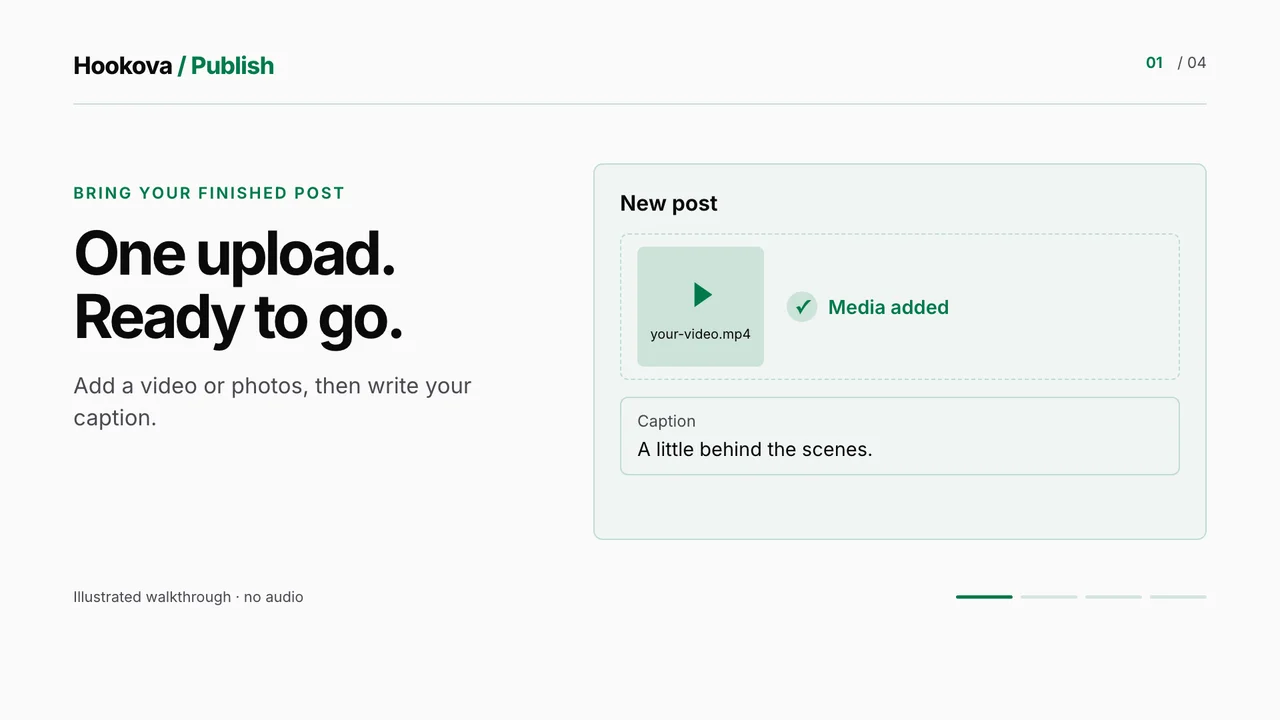
Drop in the video, write the caption with its hashtags, choose the frame that becomes the cover, and decide: post now, take the next slot, or pick a date and time.
Pick any of your connected accounts — two TikTok accounts, an Instagram, a YouTube channel. Each one gets the post with the settings that network expects.
Supported platforms
Every scheduled TikTok sits on the calendar and in the queue. Move a post to another day, change the caption, or cancel it before it goes out.
Choose whether the video goes out public or private. Photo posts go out as TikTok photo posts, with TikTok's default music.
After the time passes, each account shows posted or failed, with a link to the live video. A delivery that failed for a passing reason, like a platform outage, is retried for you.
Connect your TikTok account, schedule your first post and see it on the calendar in a couple of minutes.
Yes. Hookova runs in your browser: upload the video, write the caption and pick the time. It posts at that time without your computer or phone being on.
It posts directly. Once you connect your TikTok account, scheduled videos go live on their own at the time you chose — there is no notification you have to act on.
Yes. Choose photos instead of a video and add up to ten. They go out as a TikTok photo post, and TikTok adds its default music.
Yes. Each TikTok post has a public or private setting in the composer, so you can send one out privately and check it on your phone first.
Yes. Connect each account once, then tick the ones a post should go to. How many accounts you can connect depends on your plan.
Yes. Tick those accounts alongside TikTok and the one upload goes to all of them, as a Reel on Instagram and, being short and vertical, a Short on YouTube.
Yes, to start. The Free plan includes 1 connected account. Basic connects up to 10 accounts and Pro up to 50, across any of the networks Hookova publishes to.
TikTok, Instagram, YouTube, Facebook, X, LinkedIn, Threads, Pinterest and Bluesky. Connect the ones you use and choose the accounts for each post.
Yes. With Hookova's MCP server connected to Claude or another MCP-capable assistant, it can list your accounts and publish or schedule a post after you confirm it.
Make it once, give it a time, and let it go out on TikTok and everywhere else you post.
Start scheduling free Hookova